

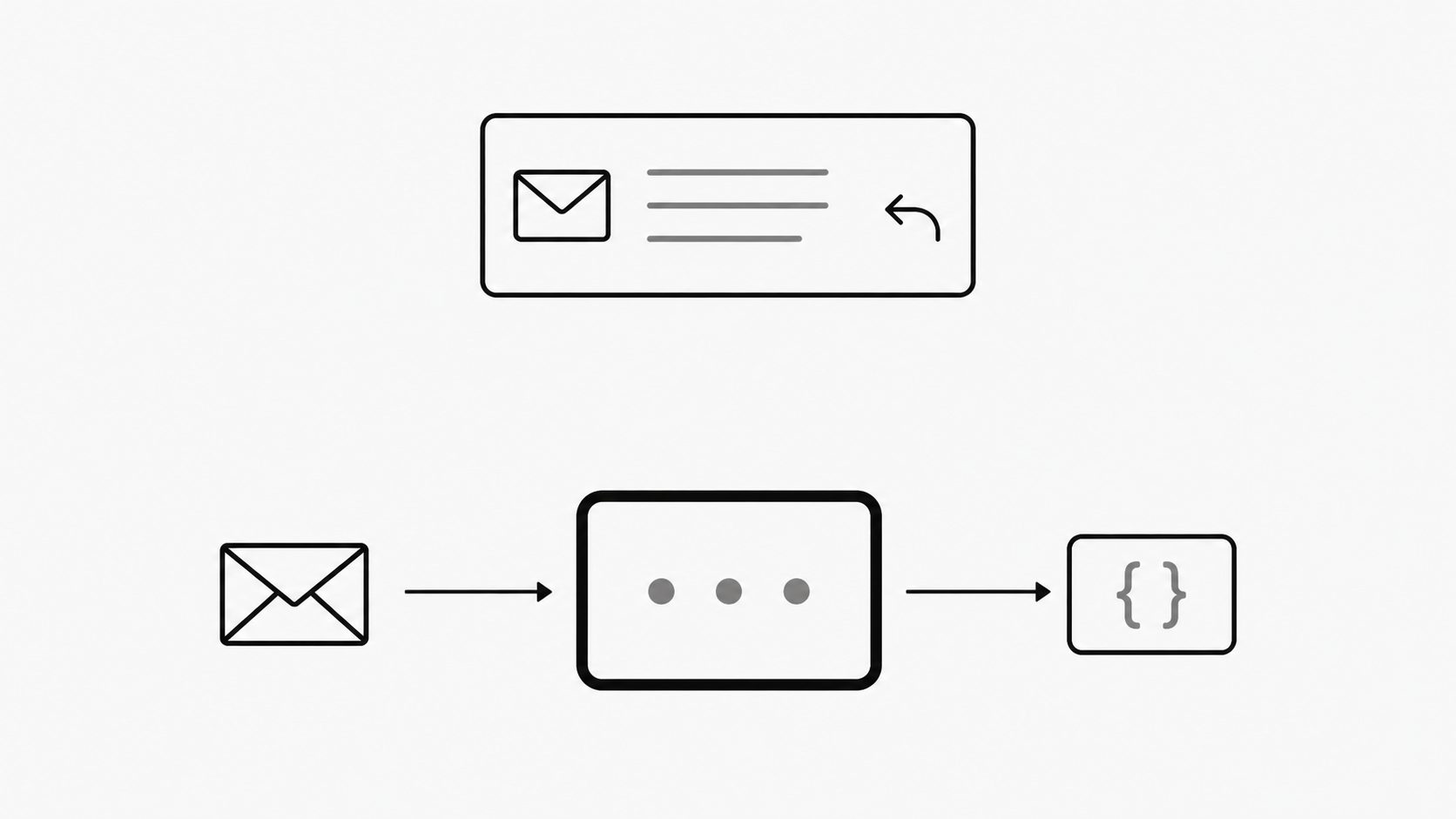
MailWebhook receives and processes email for applications. Its role begins when an application needs an email as input; people who need to read, reply, or collaborate still need an email client.
A clear email automation strategy assigns those jobs to the tools and teams that will carry them out. This comparison focuses on which role MailWebhook fills.
Email clients and application intake: choose by who acts
Key term: A message user agent (MUA) is software that creates or handles email for a person or an application.
Assign each tool a role based on who needs to act on incoming mail. An email client supports the person handling the conversation; MailWebhook supplies input to the application. One workflow can need both.
RFC 5598 describes users as including people and processes, and message user agents as serving users and applications, including through automated behavior. That broad definition makes automation a poor dividing line on its own. Use the main job after the email arrives to judge fit.
Consider a supplier emailing a delivery notice. If a buyer needs to read it and ask a question, judge the email client by its reading and reply experience. If software needs the notice’s contents to update an order record, judge whether an email webhook can supply the data that application needs. The order update remains a separate application task to verify.
A human sender may be part of either scenario. The useful distinction is the work expected at the receiving end: helping a person handle a conversation or giving software input for a defined task.
Channel adapters: define MailWebhook’s application handoff
Key term: A channel adapter connects an application's interface or data to a messaging system so messages can carry information into or out of the application.
Define MailWebhook’s place in the integration stack by the handoff it provides to an application. Evaluate an email webhook by the path from incoming mail to usable application input.
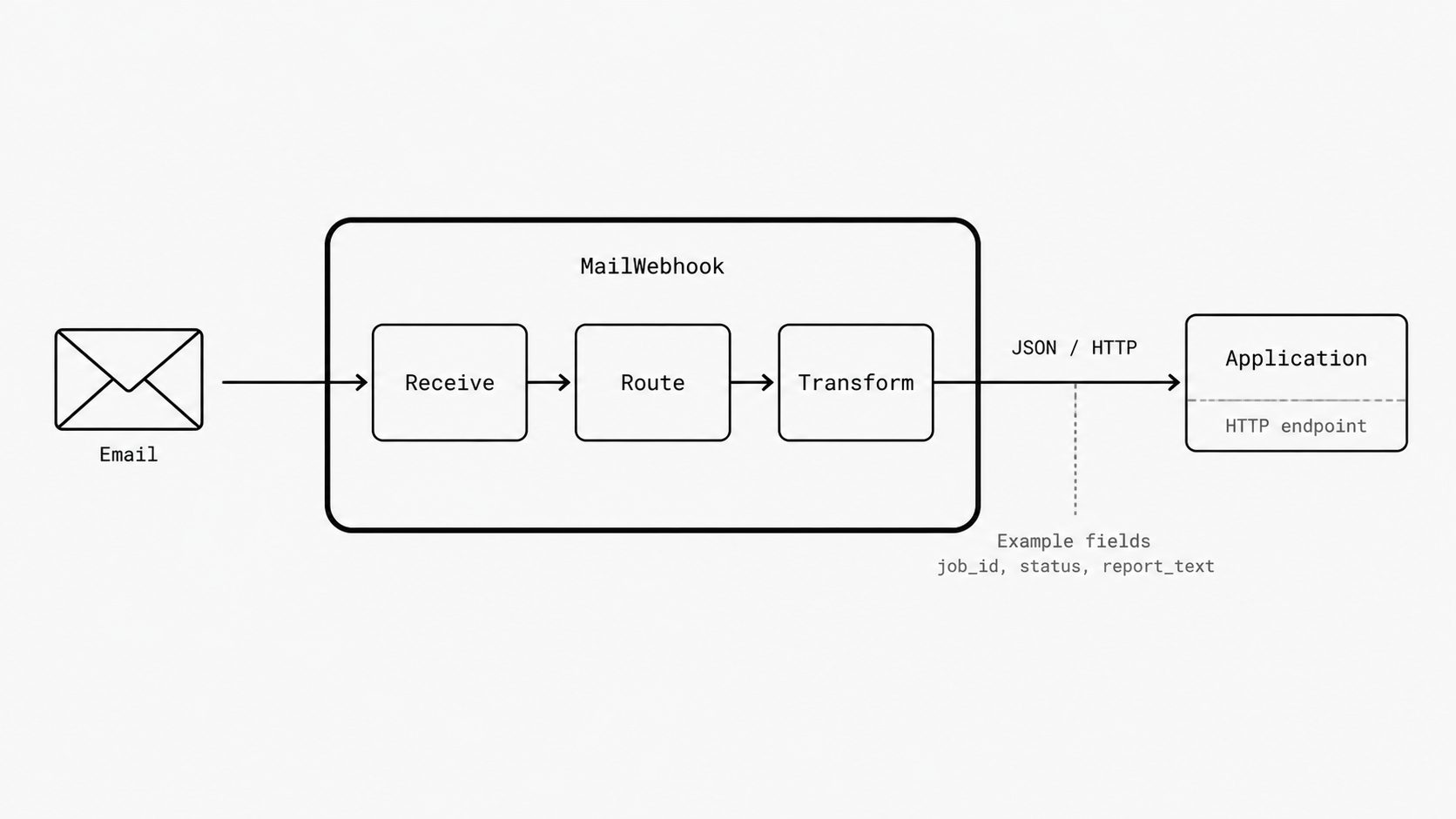
MailWebhook’s documentation describes receiving email, applying route rules, transforming message data, and sending the result as JSON to a configured HTTP endpoint.
I frame that inbound role through the channel adapter pattern, which connects an application’s interface or data to a messaging system. The comparison concerns the product’s place between systems. It focuses attention on the incoming data, the format delivered, and the application that receives it.
Inbound email parsing serves that connection. For a workflow that needs a job ID, status, and report text, evaluate whether the configured output carries those values in a format the receiving service accepts. Preserve the context that the application needs to act. A tidy JSON body has little value when it leaves out information essential to the workflow.
Shared mailboxes and collaboration: make needs explicit
Key term: A shared mailbox gives several authorized users access to one mailbox so they can monitor and respond to messages together.
Make inbox and team collaboration needs explicit before judging MailWebhook’s fit.
A request to “handle incoming mail” leaves too much open. People may expect to keep using Outlook, reply from a shared address, or assign follow-up to a colleague. I look for a clear answer about which tool supports each required task and who owns replies.
MailWebhook can read incoming messages from a Microsoft shared mailbox when the connected account has the required access. Your team continues handling replies in Outlook and assignments in its collaboration tool, while MailWebhook supplies structured input to your application.
Keep responsibility for replies and assignments with the team using those tools. The receiving application owns the business action triggered by the structured input.
When to use each tool
- Reading and replying: Use an email client such as Outlook when a person needs to read a message, ask a question, or continue a conversation. Handle team assignments in the collaboration tool.
- Structured application intake: Use MailWebhook when an application needs incoming email delivered as structured data. The receiving application validates that input and performs the business action.
- Workflows requiring both: Keep the email client for the conversation and use MailWebhook for the application handoff from the same incoming message.
For the supplier’s delivery notice, the buyer reads the message in Outlook and replies to clarify the delivery window. MailWebhook also supplies the notice as structured input to the order application, which matches it to the existing order and processes the status update. If the delivery window still needs clarification, the application leaves that change pending review. The buyer owns the conversation, while the application owns the recorded order status.