

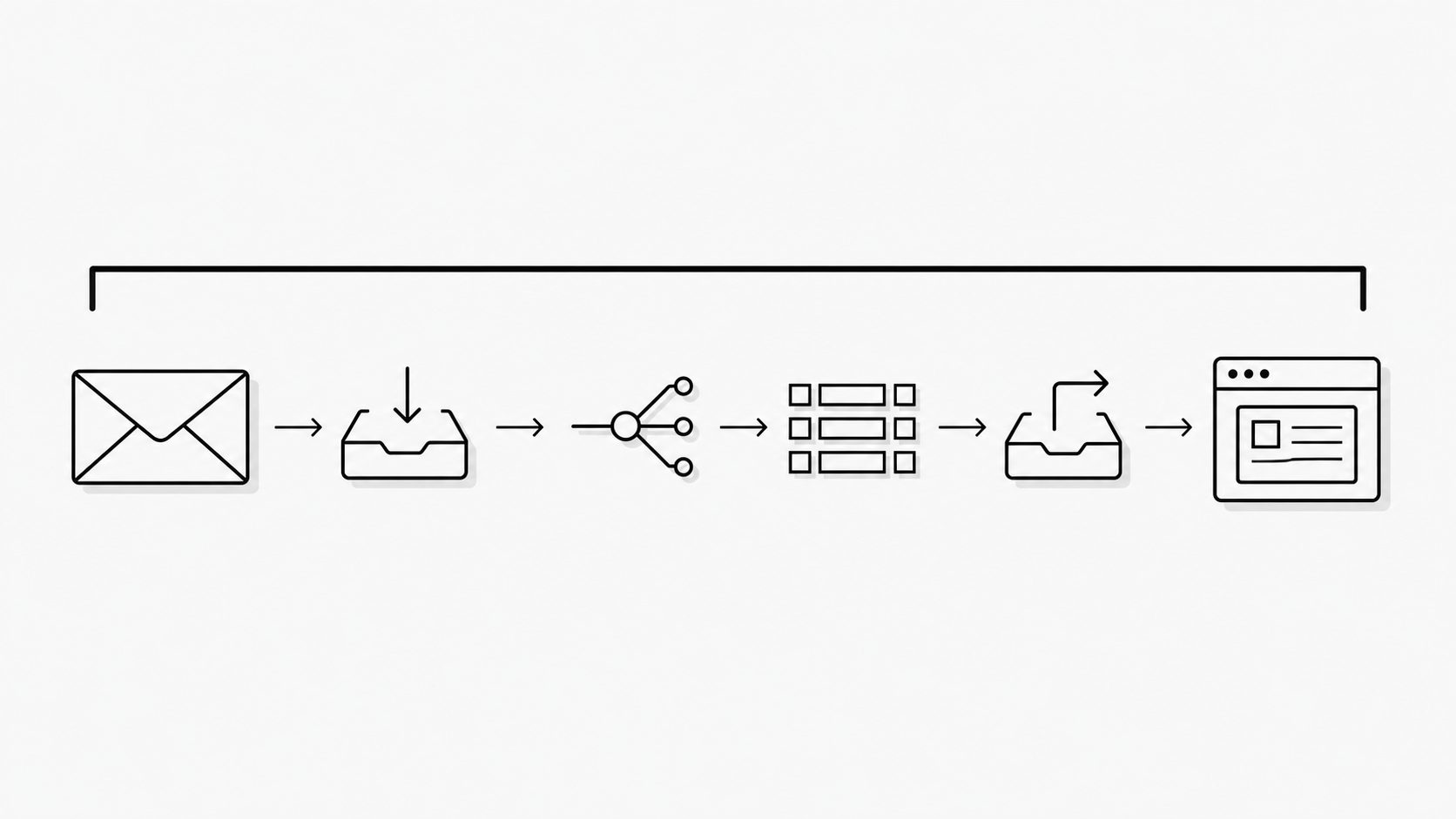
Operational email becomes infrastructure when an incoming message determines whether business work moves forward. An email automation strategy therefore needs to address more than the steps a tool automates: it needs to account for failure, recovery, and ongoing support.
I frame the choice among custom scripts, no-code tools, and a dedicated ingestion layer around the work that depends on email and the team’s capacity to keep that work reliable. The focus is inbound operational email, not outbound campaigns.
Treat Operational Email as an Infrastructure Decision
Key term: Operational infrastructure is the systems and support practices needed to keep a business process running reliably.
An email automation strategy starts with a clear owner for the path from an incoming message to a completed business task. I use that scope to judge the support work each tooling choice leaves with the team.
Give that owner authority to align business needs, technical capacity, and budget. Compare custom scripts, no-code automation, and a dedicated email ingestion layer against the same expectations for timing, correct results, and recovery. Include ongoing work such as maintaining rules, handling failed deliveries, and supporting the receiving application.
An email webhook provides one handoff within that scope. MailWebhook’s documentation describes normalizing incoming email, matching routes, transforming message data, and delivering JSON over HTTP. It also describes delivery inspection, retries for temporary failures, and replay.
Treat those capabilities as stated product scope. Availability commitments, data retention, access controls, and recovery limits remain questions to evaluate. Keep the receiving application’s work within the ownership plan, including the step that turns a delivered message into a recorded order or a support ticket. That full scope gives the executive decision a clear basis for assigning staff time and budget.
Load-bearing email recognition: find the work that stops when email fails
Key term: Business impact analysis examines how a system disruption affects business work and uses those effects to set recovery needs and priorities.
Email is load-bearing when essential work depends on a message being received and used in time. Establish that dependency before comparing automation tools.
NIST’s contingency planning guidance connects business processes and system dependencies with disruption consequences, resource needs, and recovery priorities.
I apply that reasoning to inbound email by looking for the business task that waits on each message. Include messages that supply required data, carry an approval, or start work with a deadline.
Consider a shipment that needs a release code sent by email. If inbound email parsing fails to capture the code, the shipment could remain on hold. Assess the impact with the people doing the work: how long can the shipment wait, and can another path supply the code in time? Count that alternate path as a backup only when the team can show that it meets the deadline.
This test also helps limit the scope. Where a task can finish on time using information already available in another system, treat email as a supporting channel for that task. The assessment should distinguish these roles within each workflow.
Manual recovery belongs in the assessment, too. If staff meet deadlines by chasing messages and retyping data, successful task completion depends on that effort. Those interventions reveal a reliance on email that a review of missed deadlines alone can overlook.
Three-option evaluation model: compare who owns the work and the risk
Key term: A trigger is an event in an app that starts an automated workflow.
I compare custom scripts, no-code tools, and a dedicated ingestion layer by the work each leaves with the team and the risks the team agrees to accept.
| Approach | Best-fit conditions | Work the team retains | Evidence required before choosing |
|---|---|---|---|
| Custom scripts | Close control over message handling justifies ongoing engineering work. | Inbound parsing, message-format changes, testing, maintenance, and failure recovery. | Load and recovery test results; maintenance time and backup coverage sufficient to meet the service target. |
| No-code tools | The workflow fits supported app connections and actions with few exceptions. | Configured rules, failed runs, and upkeep for workarounds that require substantial custom code. | The exact integration supports the required actions and trigger timing; exception handling fits the team’s support capacity. |
| Dedicated ingestion layer | Mail receipt, parsing, and an email webhook interface remove a meaningful share of custom email handling. | Remaining custom parsing, business approvals, and application rules; deployment and upkeep when self-hosting. | Verified handling capabilities and responsibility boundaries; provider commitments for managed service or a funded upkeep plan for self-hosting. |
Trigger timing needs an integration-specific check. Zapier documents polling triggers that check for new data and instant triggers that receive app notifications. The available type depends on the app integration.
These approaches can coexist. Dedicated email intake can feed a no-code workflow or a custom application. Assess the work and support responsibilities at each handoff when combining them.
Decision signal framework: match the approach to business risk and team capacity
Key term: A service level objective (SLO) is a measurable target for how reliably a service meets user needs over a set period.
Choose an email automation approach that meets the workflow’s reliability needs within the team’s support capacity. Weigh message volume alongside the cost of failure and the work needed to recover.
For inbound email, I apply that idea to the share of valid messages that produce the correct business result within an agreed time. Set the target and measurement period with the people who depend on that result. Assess peak message volume and the time needed to clear a backlog against that target. Give a low-volume workflow with costly missed deadlines close scrutiny, too.
Judge team size by the maintenance time and backup coverage available for this workflow. Keep scripts on the shortlist when custom rules justify engineering effort and the team can sustain the service target during staff absences. Use load and recovery tests to assess whether that design has enough capacity.
Limited engineering time plus a simple path through supported apps points toward no-code. Limited time plus complex email handling shared across applications points toward evaluating a dedicated ingestion layer. The location of the complexity matters: budget separately for business approvals and application rules that remain outside the chosen tool’s verified scope.
Governance requirements set an approval gate across all three options. Require evidence for the access controls, retention rules, and audit records the business needs. Keep an option unapproved while those requirements remain unverified.
When no candidate fits the available support capacity, staffing and workflow scope become part of the executive decision. Compare staffing and operating costs before committing to an approach.
An email automation investment is an ongoing infrastructure commitment. Its value depends on verified capabilities and the organization’s ability to sustain the work that remains. That shifts the executive decision from choosing a tool to funding reliable business outcomes.