

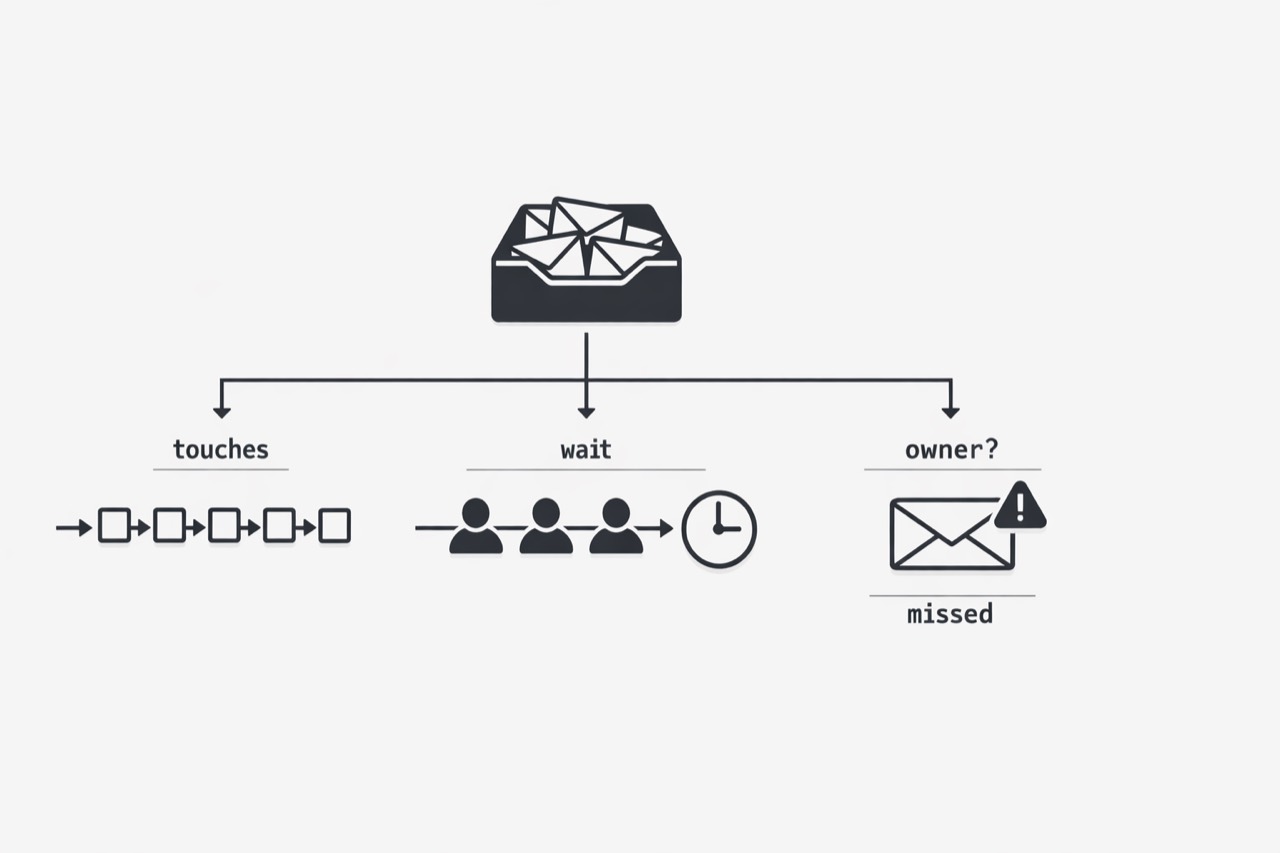
Shared inboxes are easy to dismiss as routine operational plumbing. Messages come in, someone checks them, someone forwards them, and the work keeps moving. On the surface, it can look like coordination rather than cost.
That is exactly why the drag gets underestimated. The labor inside a shared inbox rarely appears as a single queue, role, or budget line. It shows up as dozens of small human decisions scattered across the day: opening messages, interpreting intent, deciding ownership, following up, checking again, and stepping in when something stalls. For support and operations leaders being asked to do more with the same headcount, that hidden workload matters.
In this piece, I want to make that invisible work easier to see. The problem is not just volume. It is the accumulation of triage effort, the variation that comes from human judgment, the risk tied to messages that quietly sit too long, and the way all of that labor disappears from normal reporting. Once you see the inbox as an operational workflow instead of a passive channel, its true cost becomes much harder to ignore.
Every message starts a chain of tiny jobs
A shared inbox rarely looks expensive at first glance because the work arrives as tiny decisions: open, scan, judge, assign, forward, and follow up. Yet email still carries a large share of critical business communication, so those small decisions can keep appearing all day. The drag hides in accumulation, not in any single click. Shared inbox triage labor is the repeated human effort spent opening, reading, sorting, assigning, forwarding, and revisiting messages, and that cost is often hard to see because it is fragmented into many small actions. Workers also report strain from the pace and volume of modern work, which means even simple routing decisions can compete with deeper work and customer work. One widely cited estimate found employees spend about 28% of the workday on email, reinforcing that inbox handling is rarely trivial when repeated across a team. (Microsoft Work Trend Index)
Treat the inbox as a workflow made of micro-tasks rather than as a passive channel. A practical question to ask this week is not just how many emails arrived, but how many human decisions those emails forced. That framing helps leaders see the real labor cost faster and identify where repeated handling, rerouting, and rechecking are adding avoidable drag.
Two smart people can send the same email down two different paths
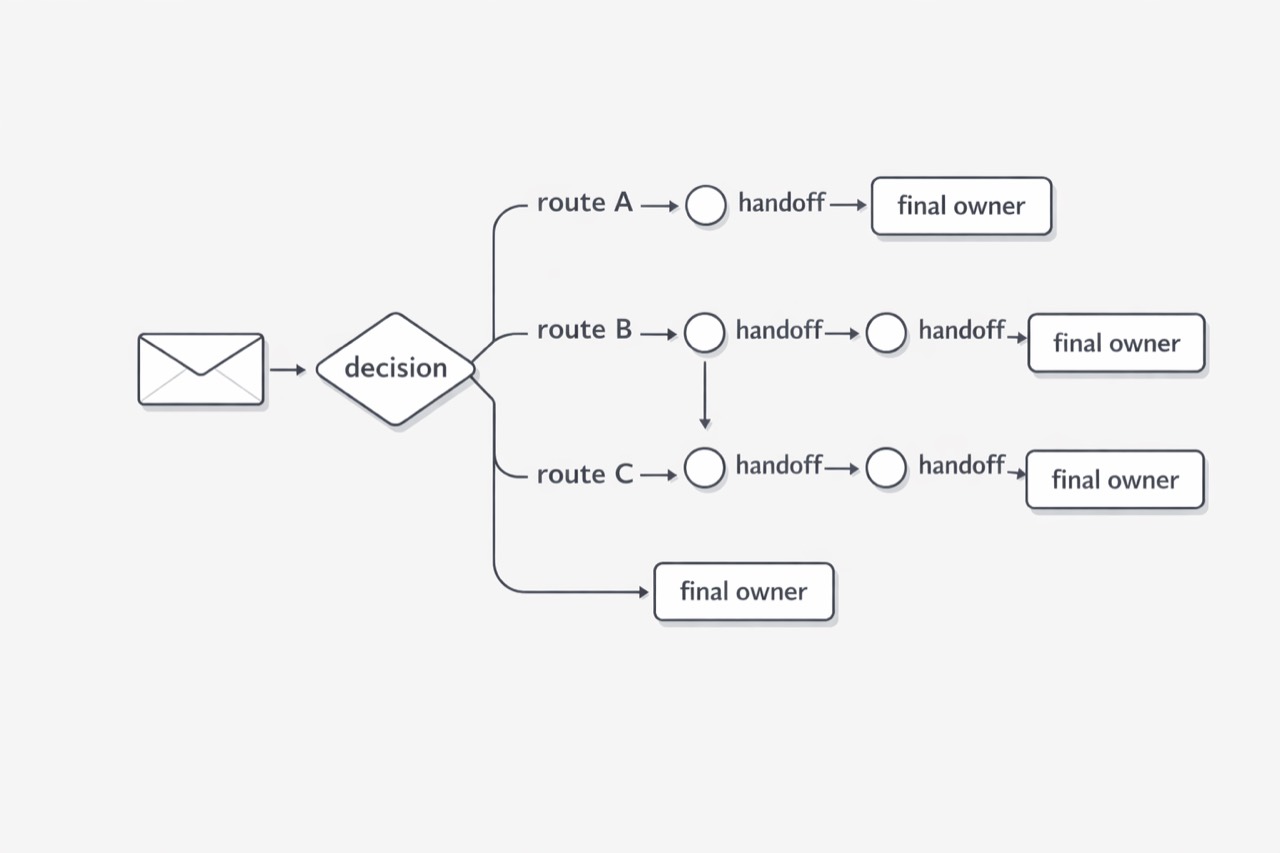
In busy shared inboxes, the same customer email can be routed differently by capable teammates, especially when speed pressure, partial context, and loose rules force people to rely on judgment. That hidden variation can shape response time, rework, and the customer experience.
The core issue is not that one person made a bad choice. It is that similar messages can receive different handling depending on who opened them first, which makes the inbox behave less like a reliable process and more like a collection of personal habits. Under workload pressure, teams often default to fast interpretation instead of consistently applying shared decision logic, and Microsoft has reported sustained pressure from the pace and volume of work. Customers then experience the path their message happened to take, not the team’s intentions, so extra hops and inconsistent routing translate into uneven service. That matters even more because many consumers expect an email response within one to four hours. (Execs In The Know 2024 Consumer Edition Research Report)
A practical shift is to stop asking whether someone handled the email and start asking whether three different people would have handled it the same way. That question quickly reveals whether the inbox depends on shared logic or on individual memory and instinct. To test it, review a small sample of similar messages and compare where each one went, who touched it, and whether the first routing decision held; this can expose avoidable rework, slower resolution, and uneven service quality.
The biggest risk is often the message nobody noticed in time
Leaders often underestimate shared inbox risk because the real danger is rarely the email everyone saw. It is the ordinary-looking message that waits too long for the right person to notice it. In 2025, email is still treated as essential business communication, so a delayed message can create customer, revenue, compliance, or operational impact before anyone names it a problem. Consumer research also found that the most common expected email response window was one to four hours, which leaves little margin for delay in a busy shared inbox. (The State of Business Email 2025)
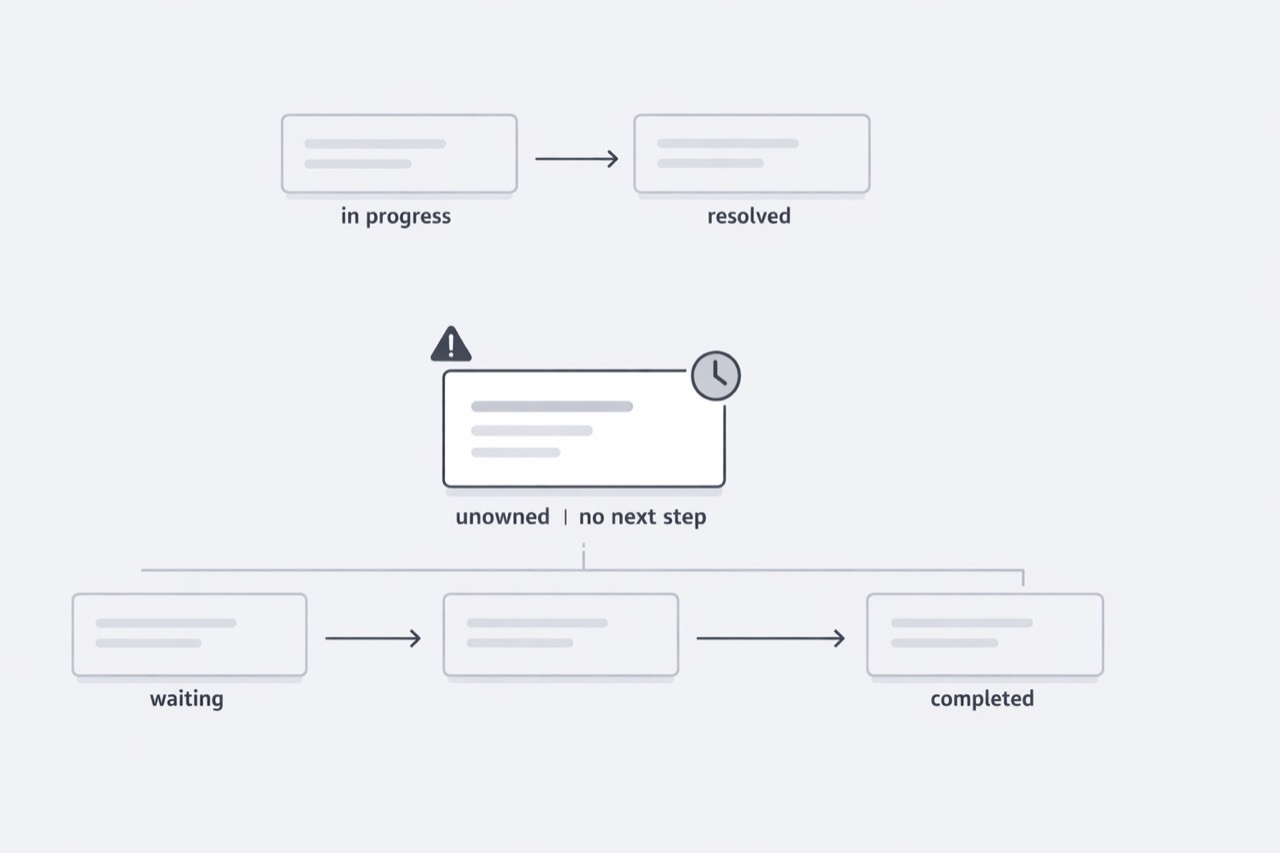
What makes missed-message exposure hard to manage is that it often stays invisible until the consequences appear somewhere else. A message can be opened and still be effectively lost if ownership is unclear, follow-up is weak, or it sits in a queue without meaningful progress. From the team view, the inbox may look active; from the sender view, nothing is happening. That distinction matters because email remains a business-critical channel and often serves as a record for decisions, alerts, and client communication. When an important message stalls, the result may be delayed approvals, unresolved customer issues, slower fulfillment, or poor traceability when the organization later tries to reconstruct what happened. (Harvard Business Review: Who’s Got the Monkey?)
Treat silence as an operational signal. Do not only track how many emails arrived or were answered; also look for messages with no owner, no next action, or no movement after first read. If email is still a primary channel for important business communication, then these unanswered edge cases deserve more attention than the easy messages that move quickly. A useful test is simple: if a high-stakes message landed this afternoon, could your team confirm within two hours that it had been seen, understood, and owned?
If the work is split across moments, the cost disappears from the dashboard
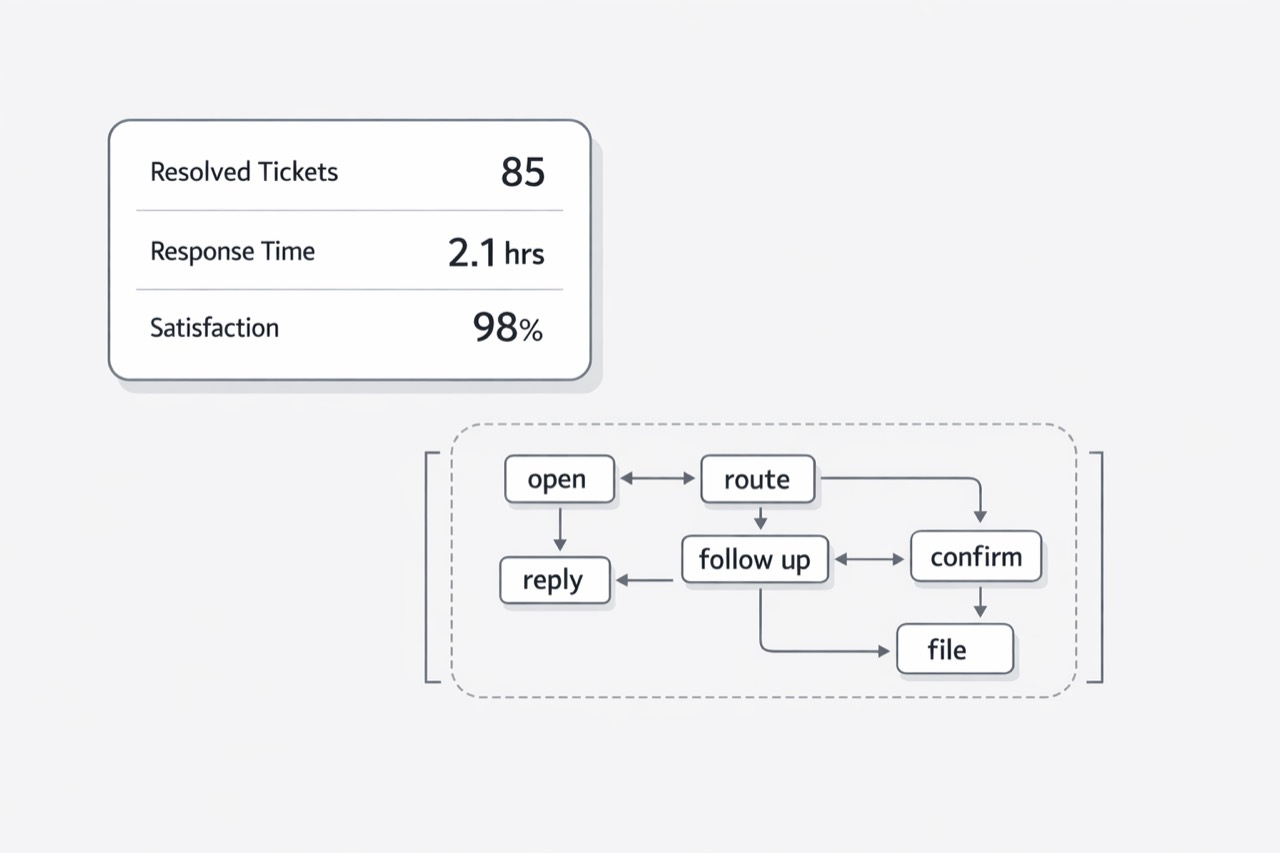
Leaders can review headcount, ticket counts, and response metrics and still miss the real workload when inbox effort is fragmented across many small actions rather than tracked as one visible cost. Research on workplace pressure also helps explain why that effort gets absorbed into already crowded days instead of appearing as a separate burden. Email’s continued role in critical business communication makes that hidden effort operationally important, not incidental.
The core issue is that most teams measure outputs, while inbox labor shows up as fragments spread across the day. One person scans a message, another forwards it, someone else replies later, and a manager steps in when the thread stalls; each action looks minor alone, so the total burden rarely appears in staffing models or operating reviews. Broader evidence on pace and volume pressure at work helps explain why this fragmented effort disappears inside overloaded schedules rather than being identified as a distinct cost. If email remains a primary path for important business communication, then every uncounted touch adds labor to a channel the business already relies on heavily. (The State of Business Email report)
A useful next step is to stop asking only how many emails arrived and start asking how many people touched the work and where that time was hidden. That shift turns the dashboard from channel volume toward labor flow, making repeated checking, cross-team handoffs, and status chasing easier to see. Because fragmented workload pressure is already high, even small hidden touches can accumulate quickly across the day. And since email still carries critical business traffic, making this labor visible is basic operational accounting for work the organization already depends on.
The biggest mistake leaders make with shared inboxes is treating them as lightweight communication layers instead of labor systems. When that happens, the organization sees message volume but misses the human effort required to keep that volume from turning into delay, inconsistency, and risk.
If you lead support or operations, the useful shift is simple: stop measuring the inbox only as traffic and start examining it as work. How many decisions does it force? How often does ownership change? Which messages sit without clear next action? How much of your team’s day is spent keeping email from becoming a problem somewhere else?
For teams ready to remove that drag, email data entry automation is the managed-service path. Teams that want to own the integration in-house can use the developer-owned intake path.
Those questions do more than reveal inefficiency. They expose a category of operational drag that many teams have normalized for years. And in an environment where headcount stays flat while expectations rise, making that drag visible is the first step toward removing it.